Workaround for logging in to Apple Music on your work Mac (Apple ID)

Want to use Apple Music on your work macbook, but IT have imposed restrictions on logging in to your Mac using your Apple ID? Try this workaround.
- Open Safari
- Search for “Apple music web player”
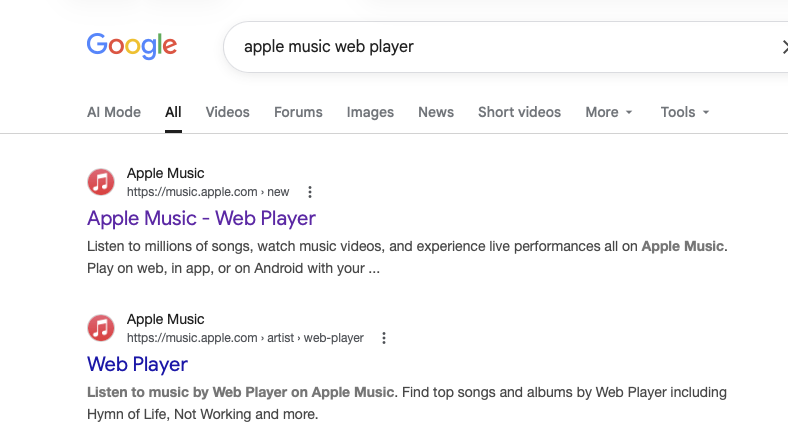
- Log in with your Apple ID
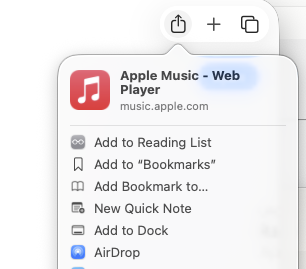
- Click the ‘share’ button in Safari (top right)
- Choose ‘Add to dock’
and that’s it! It’s like, 90% as good. Long playlists can be slow to load, though. Generally it’s slightly less responsive than the desktop app. But very serviceable.